What is a Predictive Query?
A Predictive Query is a declarative syntax used to define a predictive modeling task in Kumo. It specifies the target variable to predict and the data context for training. Kumo uses the Predictive Query Language (PQL), a SQL-like language, to automate all major steps of the ML pipeline, including feature engineering, generating a training table, and training a model.Creating a Predictive Query
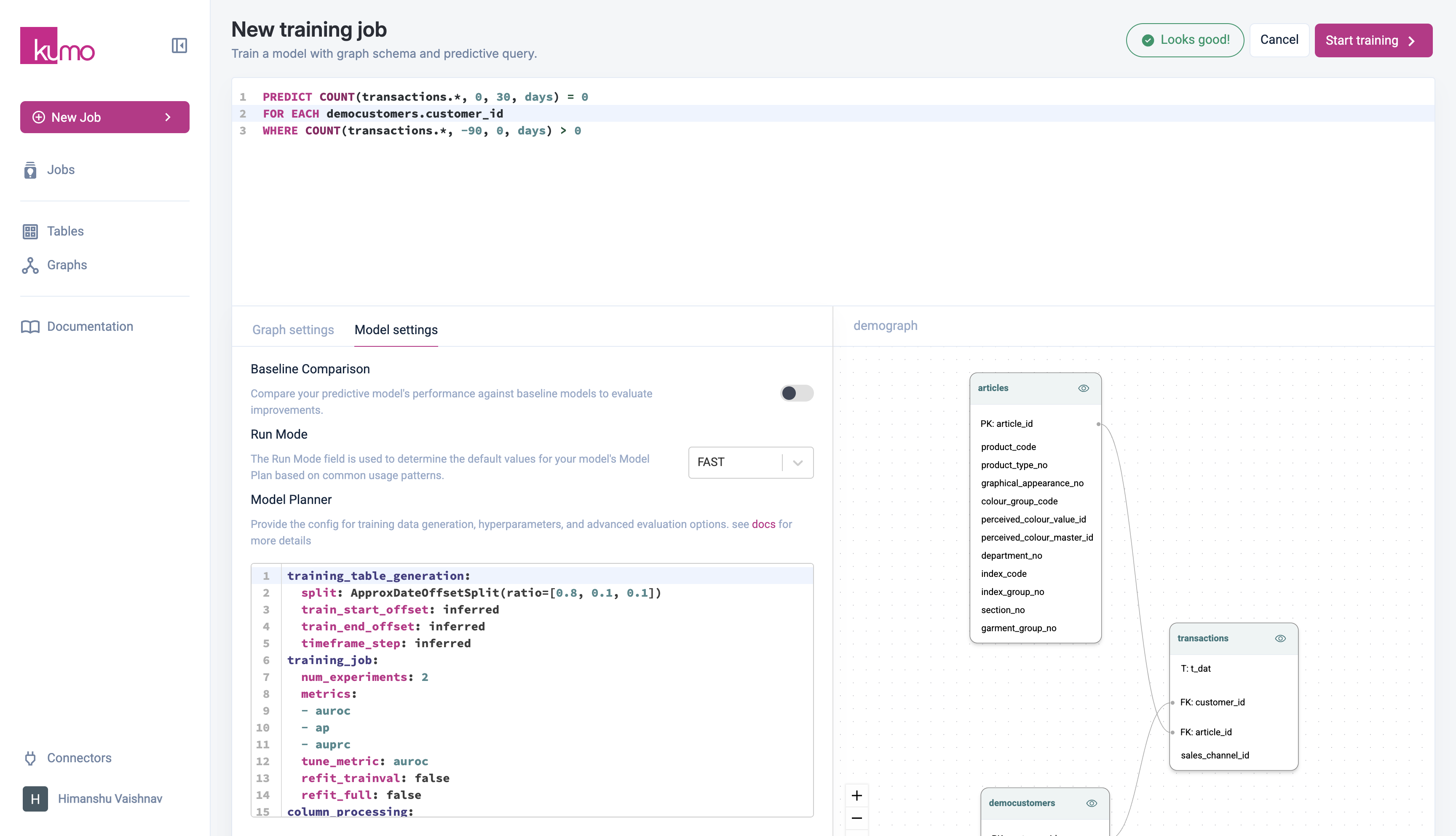
To train a model in Kumo:- Navigate to New > Model from the side menu.
- On the Model Training page, enter a Model Name and optional Description.
- Select a Graph from your previously created graphs. Once a graph is selected, its structure and linkages appear on the right side for reference.
- Write your Predictive Query (PQL) in the text area.
Model Settings
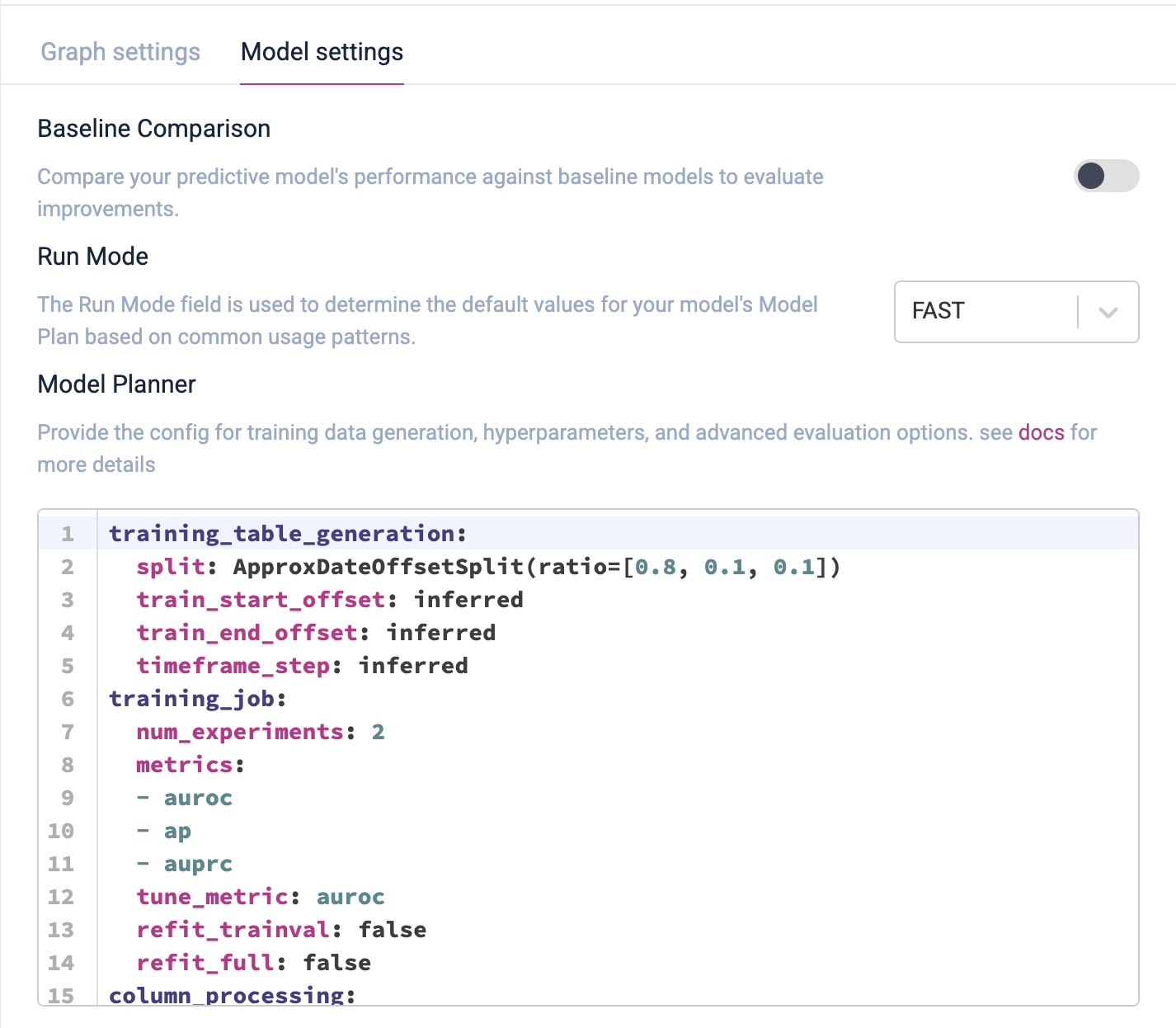
Before training, users can access advanced model settings to:- Configure baseline and run mode.
- Adjust hyperparameters in the model plan.
- Modify training table generation settings.